Share flynode.cloud. Earn 10% on every sale.
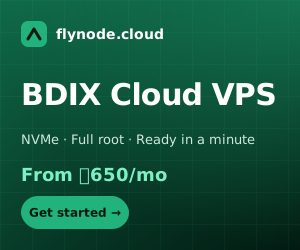
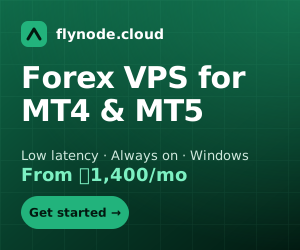
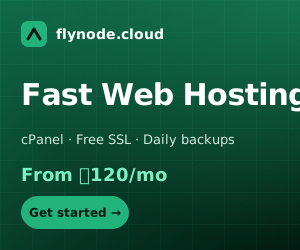
Recommend our BDIX VPS, Forex VPS and hosting to your audience. You get a personal link, live stats and ready-made banners and videos. Get paid by bKash, Nagad or bank.
Three steps to your first payout
Join for free
Create a free account and activate your affiliate link in one click. You do not need to be a customer.
Share your link
Put it in your video description, blog post, group or bio. Use our banners, videos and ready posts from the Creator hub.
Get paid
When someone you referred pays, you earn 10%. Withdraw to bKash, Nagad or bank, or use it as account credit.
How much could you earn?
Move the slider to see what your audience is worth. Based on our lowest plan prices.
Everything you need to promote
YouTubers
Video description and pinned-comment templates, end-screen cards and short-video scripts with your link inside.
Bloggers
Banners in every ad size with a ready embed code, review paragraphs and call-to-action boxes.
Social media
Square and wide post images and captions for Facebook, Instagram, Telegram and WhatsApp.
Deep links
Send people straight to Cloud VPS, Forex VPS, hosting or domains, not only the home page.
Campaign tracking
Tag each video or post (?sub=youtube) and see clicks, sign-ups and earnings for every tag.
Fast payouts
bKash, Nagad or bank from ৳500, or any amount to account credit instantly.
Who can join?
Anyone with a free flynode.cloud account: YouTubers, bloggers, Facebook page owners, developers and agencies. You do not need to be a customer.
How much can I earn?
You earn 10% of the first payment made by each client you refer. There is no limit on the number of referrals.
How long does the referral last?
When someone clicks your link we remember it for 60 days. If they create an account in that time, they are yours for good.
When and how do I get paid?
Commissions become available after a 30-day hold (so refunds can be handled). Withdraw from ৳500 to bKash, Nagad or bank, or move any amount to your account credit instantly.
Can I track different videos or posts?
Yes. Add a campaign tag to your link, for example ?sub=youtube or /r/yourcode/blog, and your dashboard shows clicks, sign-ups and earnings for each tag.
Where do I get banners and videos?
The Creator hub has banners in every common ad size, videos, logos and ready-made posts. When you are signed in, your own link is already inside every code.
What is not allowed?
Referring yourself, spam, misleading ads, and bidding on our brand name in search ads. Commissions from these are voided.